Skip to content
Digital productLive2026

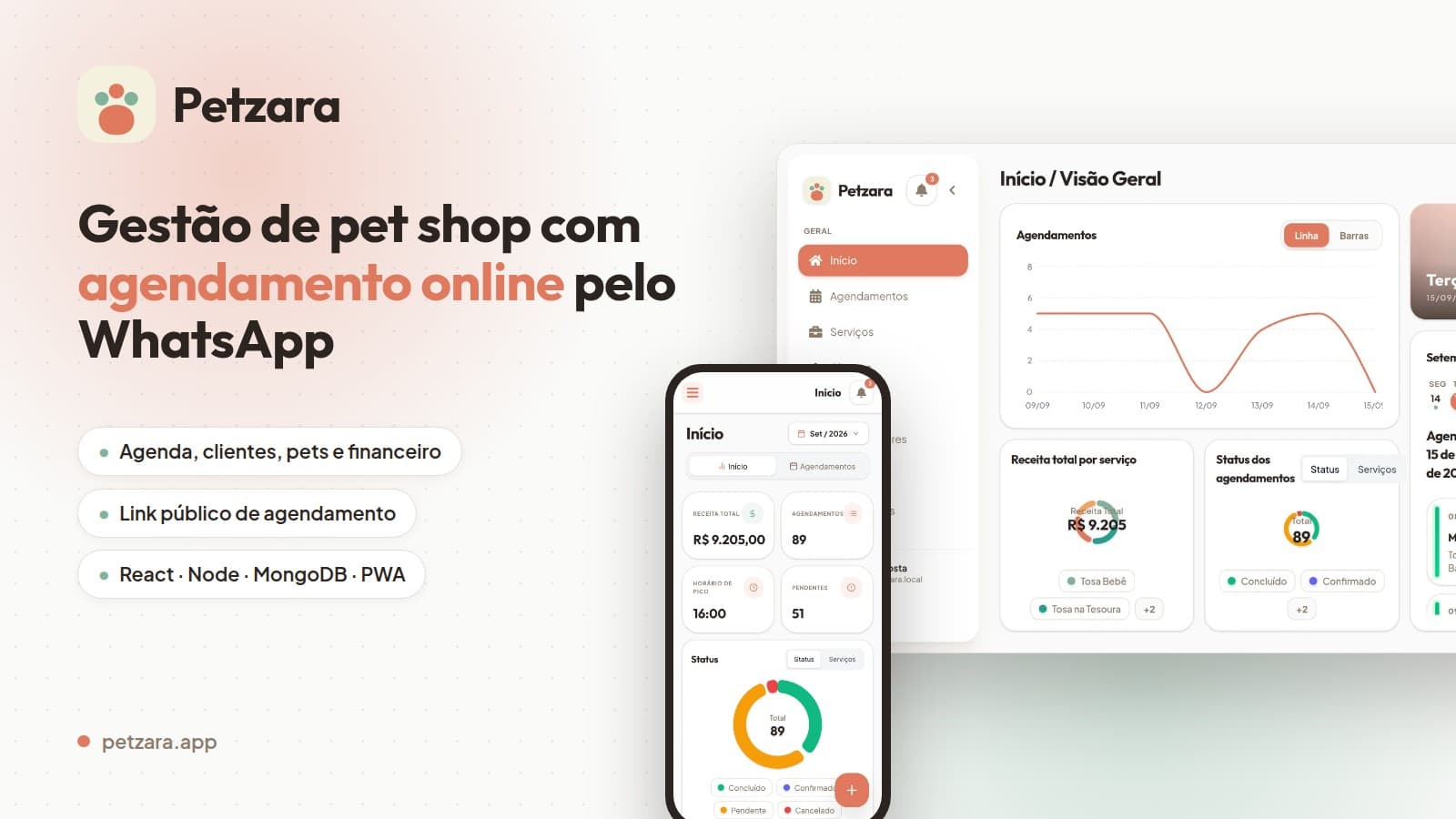
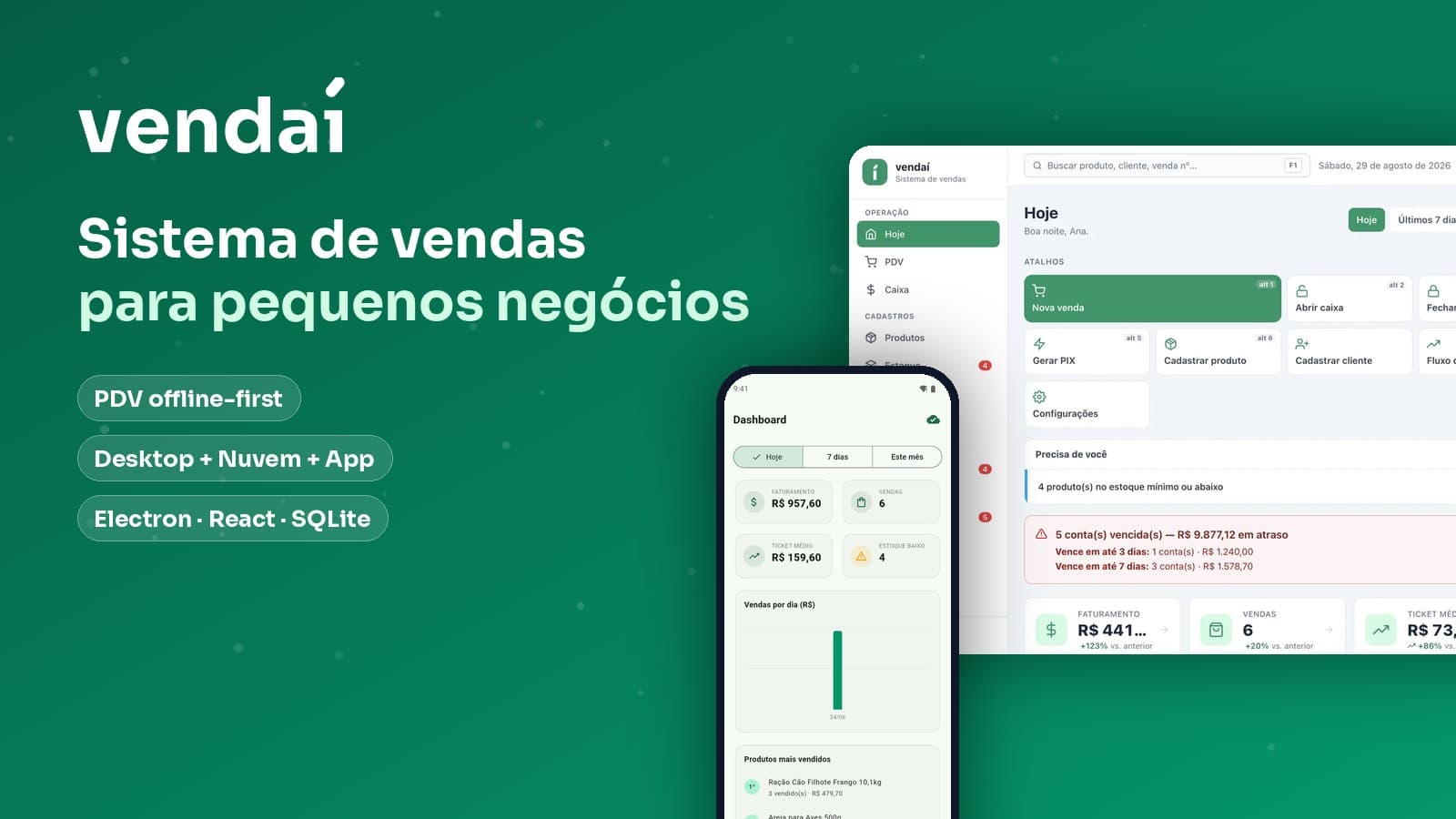
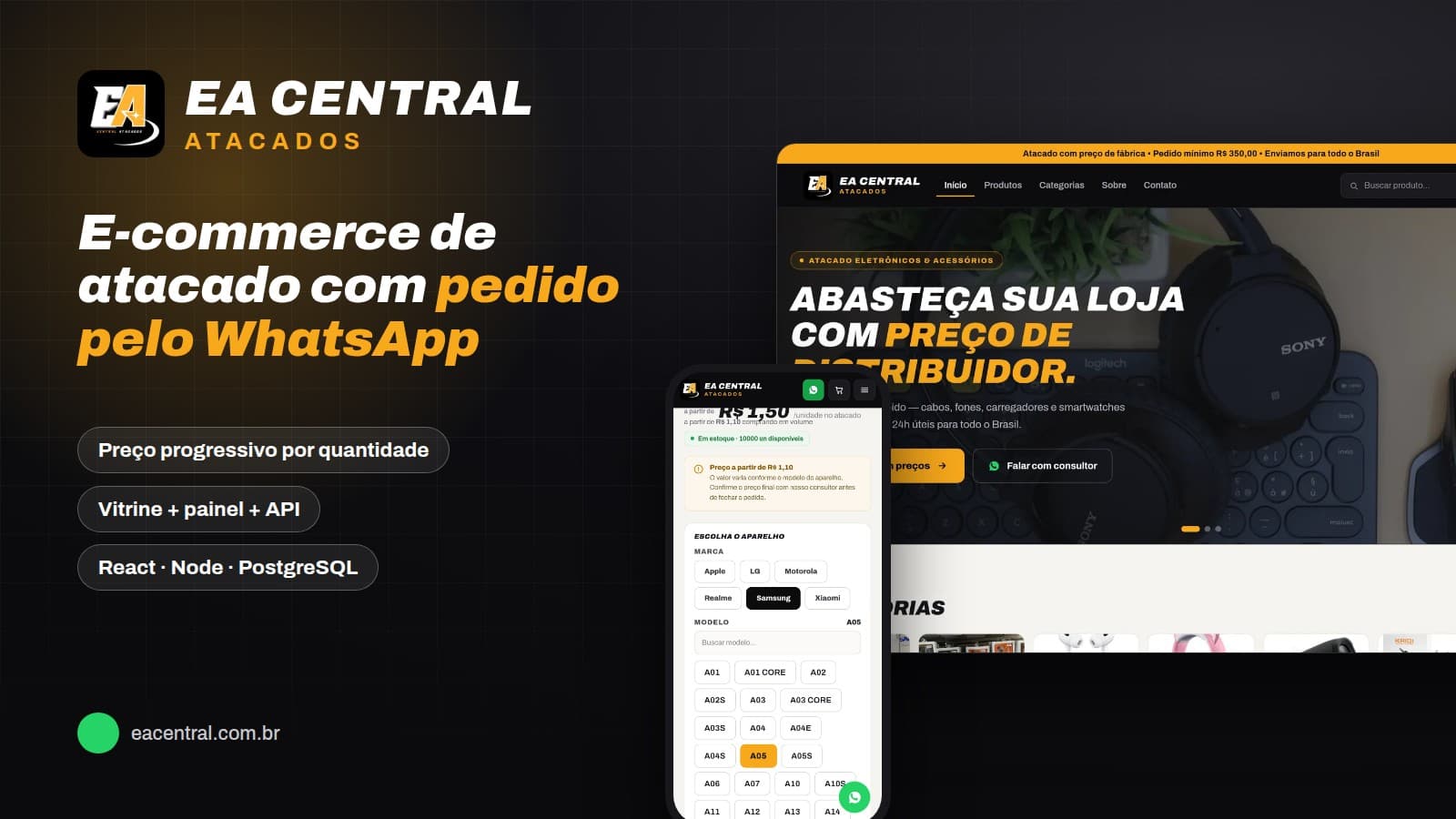
QRPronto

Free in-browser QR Code generator — and a dynamic QR dashboard with an editable destination

React 19Vite 7TypeScriptReact Router 7NestJS 11Node.js
Runs onFree generator (web)Dynamic QR dashboardPublic REST API
qrpronto.com
QR Code types, from PIX to Wi-Fi
17
data sent to the server in the free generator
0
models in the dynamic QR database
11
languages: Portuguese, English, and Spanish
3

01

Overview

QRPronto starts as a free tool: the visitor chooses among 17 QR Code types (URL, PIX (Brazil's instant payment system), Wi-Fi, vCard, WhatsApp, event, crypto, social networks…), customizes color, dot style, border, center, gradient, and center logo, and downloads as PNG, SVG, or PDF. None of this goes through a server — the payload is built and the code is drawn in the browser itself with qr-code-styling, so there is no sign-up, no expiration, and no user data in transit. Those who need more move on to the second half of the product: the dynamic QR. There, the printed code points to a short QRPronto link, and the destination is edited from the dashboard — with a history of every change, scan counts by day, device, and country, campaigns that consolidate several codes, redirect rules by country, device, or time, A/B tests, webhooks, and a public API with a key. The dashboard talks to a NestJS + Prisma API, Stripe subscriptions, and real-time scan events over Socket.IO.

My role

Full product development: React front-end, NestJS API, Prisma modeling, redirect and analytics engine, Stripe subscriptions, i18n, SEO, and deployment.


Category

Digital product

Year

2026

Status

Live

Platforms

Free generator (web)Dynamic QR dashboardPublic REST API

The free generator doesn't talk to any server: it's just the browser. The dynamic QR is a different story — the dashboard talks to a NestJS API, which stores everything in Prisma and also answers for the short link the printed code points to.

React 19 + Vite

Vercel

qr-code-stylingjsPDFi18nextdriver.js

NestJS 11 API

Railway

JWT + PassportThrottlerSocket.IOStripe

Prisma + PostgreSQL

11 models

Organization and plansCodes and scansCampaigns and A/B testsWebhooks and keys

Redirect engine

what runs on scan

geoip-liteua-parser-jsIP as a hash only302 without waiting for the log

Sync: What is free doesn't depend on infrastructure: a static QR generated in the browser keeps working even if the service goes offline.


02

The Problem

A QR Code on printed material is an irreversible decision: the URL is set in paper. If the menu changes address, the promotion ends, or the link breaks, all the material goes to waste. And on the other side there is the opposite problem — someone who just wants a simple QR for Wi-Fi or PIX is forced to create an account on a service that expires the code after a few days or adds a watermark.

03 — The Solution

Serve both cases with the same product. The static generator handles simple use for free and without sign-up, processing everything in the browser. The dynamic QR handles print: the code points to a short link and the destination is changed from the dashboard, with history, scan metrics, and conditional rules — without reprinting anything.


04

Inside the product

The system in action, recorded from the real application with a demo store — no screen is a mockup.

01

Generator

From the empty field to the PNG, without leaving the screen

Form on the left, code on the right, updating with every keystroke. You pick the type, type, change the color, swap the dot shape, apply a gradient, drop a logo in the middle, and download. There's no generate button, no next step, and no sign-up at the end.

  • Everything drawn in the browser with qr-code-styling
  • With a center logo, error correction automatically goes up to H
  • Local history of the most recent codes generated
Generator
02

Types

Seventeen types — each with the right form

PIX asks for key, recipient, city, and amount, and builds a valid BR Code. Wi-Fi asks for network, security, and password. vCard asks for name, company, job title, and phone. The type doesn't just change the placeholder: it changes the payload that goes inside the code.

  • PIX, Wi-Fi, vCard, event, and crypto with their own fields
  • Shortcuts for Instagram, TikTok, YouTube, Spotify, and LinkedIn
  • A dedicated SEO page for each type
Types
03

Outputs

PNG, SVG, PDF — and the material already laid out

Besides the three formats and copy to clipboard, there are five print templates that come out as PDFs at the right size: business card, label, an A4 sheet with nine codes, a restaurant table display, and an A3 poster. For print, the code is regenerated with high correction.

  • Vector SVG for those taking it to the print shop
  • A4 sheet with 9 copies to cut out
  • Table display and A3 poster ready to go
Outputs
04

Dynamic QR

The paper stays the same, the destination changes

This is the reason the product exists. The printed code points to a short QRPronto link; the destination is changed from the dashboard in seconds. The history keeps every change with the previous URL crossed out, the new one, the date, and who made it — because on a menu printed on a thousand flyers, that is a decision with consequences.

  • Short link generated with nanoid, unique per code
  • Change history with author and date
  • Live scan counter over Socket.IO
Dynamic QR
05

Rules

The same code taking each person to a different place

Rules read like sentences: if the country is BR, go to the Portuguese menu; if the device is desktop, go to the PDF; if it's past 6 p.m., go to the evening menu. The engine evaluates at scan time, along with A/B testing and automatic UTM, and only then returns the 302.

  • Conditions by country, city, device, OS, time, and volume
  • A/B test with weights and scans per variant
  • UTM applied to the destination without overwriting what's already there
Rules
06

Integrations

Campaigns, webhooks, and a keyed API

Campaigns add up several codes in a single dashboard — total scans, countries, and how many came from mobile. Webhooks fire on every scan, with signature and delivery history (including failed ones). And the public API lets you create and list codes via X-API-Key, for those who want to generate QR codes straight from their own system.

  • Campaign with consolidated numbers for its codes
  • Signed webhook, with status and time of each delivery
  • API key with preview, last use, and revocation
Integrations
07

Interface

Dark theme, three languages, shortcuts, and a tour

The entire generator has a dark theme, and the interface is in Portuguese, English, and Spanish with i18next. There are keyboard shortcuts for the most-used types and a guided tour with driver.js for those opening the tool for the first time who don't know where to start.

  • Light and dark theme on every screen
  • pt-BR, English, and Spanish switched instantly
  • Guided tour on the help button
Interface

05

8 video walkthroughs

Each video shows a complete task, end to end. Click to watch with controls.


06

Key Features

01

17 QR Code types, no sign-up

URL, text, WhatsApp, phone, SMS, email, vCard, Wi-Fi, location, event, crypto, PIX, and shortcuts for Instagram, TikTok, YouTube, Spotify, and LinkedIn. PIX generates a valid BR Code with key, recipient, city, amount, and identifier.

02

Everything in the browser

The payload is built and the code drawn on the device itself with qr-code-styling — no data is sent to a server. No sign-up, no expiration, no watermark, and the code keeps working forever because it doesn't depend on any redirect.

03

Customization studio

Color and background, six dot styles, four border styles, two center styles, ready-made or custom gradients, and a center logo (your own or from a gallery of 15). When you add a logo, the error correction level automatically goes up to H so the code stays readable.

04

Dynamic QR with an editable destination

The printed code points to a short link; the destination is changed from the dashboard at any time, with a history of every change — who changed it, when, and from which URL to which. The paper stays the same.

05

Scans, campaigns, and rules

Each scan records device, OS, browser, country, and city (IP stored only as a hash), with optional UTM. Campaigns consolidate several codes into one set of numbers, and rules send the same QR to different destinations depending on country, city, device, OS, time, or scan volume.

06

Webhooks, public API, and plans

A webhook on every scan with signature and delivery history, a key-based REST API (X-API-Key) to create and list codes, and Stripe subscriptions with four plans, per-plan limits, and a billing portal.

07

Product screens

Real screenshots of the product, organized by module. Click any screen to enlarge it.

Form on the left, code on the right, no intermediate step
The seventeen QR Code types in a single grid
The code appears as you type
Six dot styles, four border styles, and two center styles
Ready-made gradients or hand-built ones
Logo in the center and error correction automatically going up to H
Size from 128 to 2048 px, margin, and correction level
Card, label, A4 sheet, restaurant table, and A3 poster
The most recent codes generated, stored in the browser itself
Shortcuts for the most-used types
The entire tool in dark theme
PIX with key, recipient, city, and amount — valid BR Code

08

On mobile

On mobile the generator becomes two tabs — content and design — and design splits into style, logo, settings, and templates. The code is always visible at the top, updating as you type. The dynamic QR dashboard follows along, in cards.

Generator
Types
Ready code
Design
Logo
Settings
Templates
PIX page
Plans
Dashboard
Campaigns
API
Sign in

09

Technologies

Front-end

React 19Vite 7TypeScriptReact Router 7

Back-end

NestJS 11Node.jsPrisma 5

Database

PostgreSQL (produção)SQLite (desenvolvimento)

Deployment

VercelRailwayCloudflare DNS

Integrations

StripeResendSocket.IOgeoip-lite

Libraries

qr-code-stylingjsPDFi18nextdriver.jsreact-colorfulJSZip

10

Design Decisions

The generator screen is a single one: form on the left, code on the right, updating with every keystroke — no steps, no wizard, no generate button. The dynamic QR dashboard is deliberately the opposite: a list of cards with the scan count and the current destination highlighted, because whoever opens the dashboard wants precisely to check or change the destination. Teal and emerald on a light background, with a full dark theme, three languages, and a guided tour for those who arrive lost.

11

Technical Challenges

The redirect engine has to do a lot without slowing down the person who scanned: find the short code, record the scan with device, browser, and geolocation, evaluate A/B tests and conditional rules, apply UTM, and fire webhooks. Writing the scan, incrementing the counter, and webhooks are taken off the critical path — they are fired without blocking — and the visitor gets the 302 as soon as the destination is resolved.


12

Results

  • Product live at qrpronto.com, with the free generator open and no sign-up
  • Two models in the same product: a free tool as the entry point and a subscription for the dynamic QR
  • 17 SEO pages, one per code type, and a blog with 8 articles driving organic search

13

Learnings

  • Processing everything in the browser is a selling point, not just architecture: 'your data never leaves your device' answers the objection of people generating PIX and Wi-Fi QR codes
  • QR Code is an error-correction problem: when a center logo is inserted the level has to go up to H, otherwise the code starts failing on poor scanners — the app does this automatically
  • A short link is the only part that has to be eternal: the QR points to it and the destination becomes editable data, with an audit trail of every change
  • A conditional redirect rule is easy to write and hard to explain — the interface has to read like a sentence: if country equals BR, redirect to…